
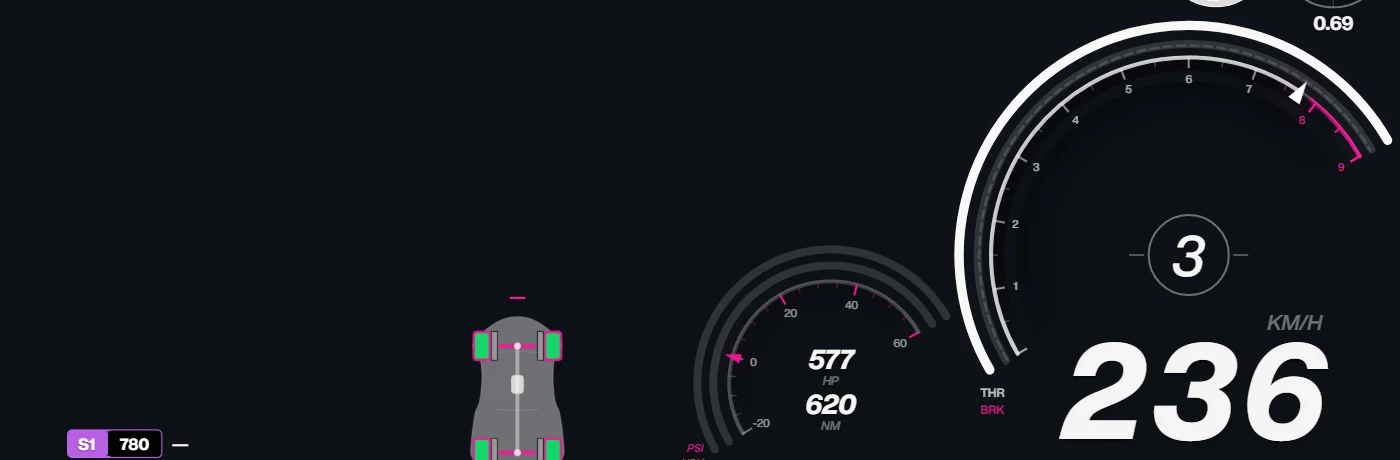
Horizon Labs serves its HUD as a local web page, so any streaming app with a browser source can show it on top of your game capture.
Steps
- Start Horizon Labs and get your game’s telemetry live (see your game’s setup page).
- Add a browser source in OBS Studio, Streamlabs, Meld Studio or TikTok LIVE Studio.
- Set its URL to
http://127.0.0.1:8088/overlay/index.html(the port can be changed in Horizon Labs settings). - Match the size of the source to your canvas, for example 1920×1080, and place it above the game capture.
Good to know
- The overlay page shows the same HUD as the in-game overlay, so a HUD you build in the Designer appears on stream too.
- Streaming from a second PC? Turn on LAN mode: see HUD on a second PC.
- Gran Turismo on PlayStation: run Horizon Labs on the streaming PC and add the overlay over your capture card.