
The Horizon Labs Designer is included with Horizon Labs. You never start from a blank page.
Steps
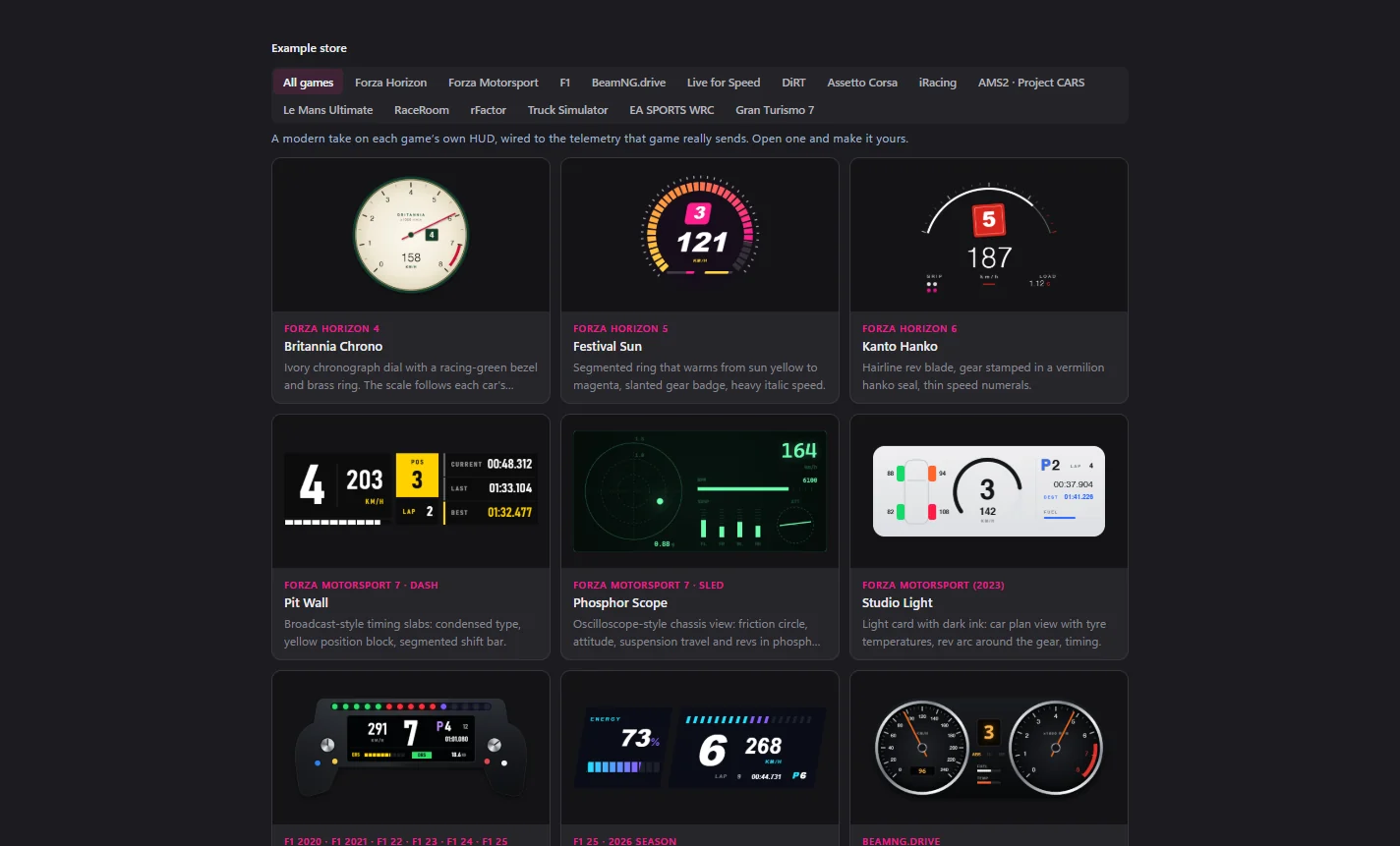
- Store: pick one of the 104 ready-made HUDs, filtered by game.
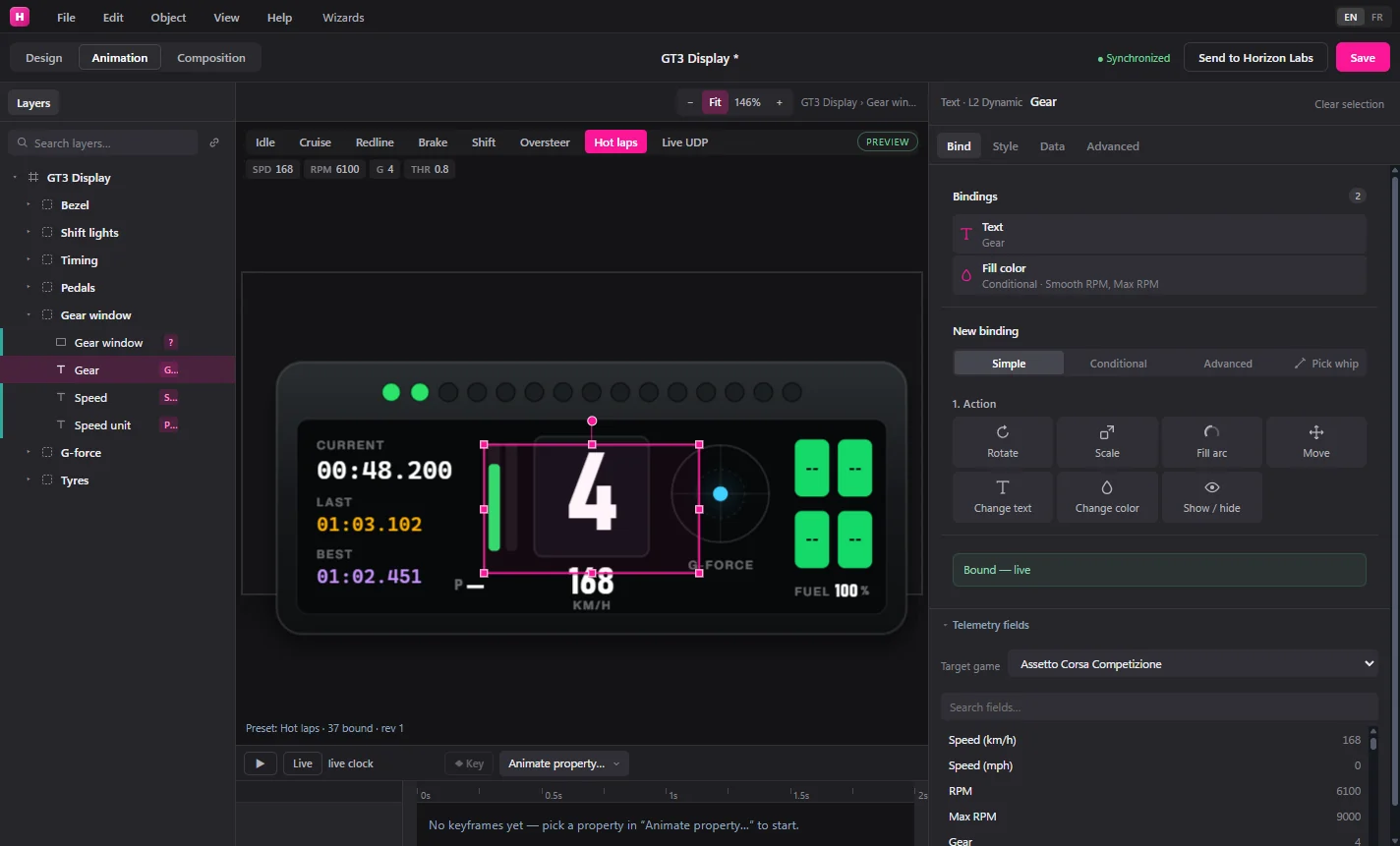
- Edit: change any shape, text, image or font. Import your own PNG, SVG or TTF/OTF/WOFF files.
- Preview: drive one of seven simulated scenes, or switch to the live telemetry of the game you are playing.
- Bind: link any layer to one of 80 telemetry fields. Map ranges, write expressions, switch on conditions. Fields your game does not send are flagged.
- Send: one click drops the HUD into the running Horizon Labs overlay. Save the
.hudfile to keep working later.
Next
- Animate with keyframes (7 easings) or spring motion on channels like RPM, G-force and drift.
- Check which fields your game sends on its game page before you bind.
- Put it on stream: HUD in OBS.